Advertisement
Click to download now, finish the installation quickly, and directly unlock the all-round experience
Advertisement
Screenshots


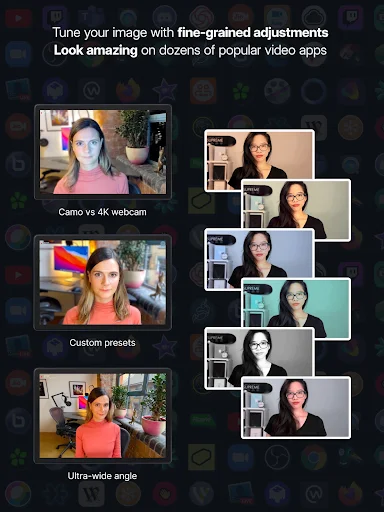
Click to download now, finish the installation quickly, and directly unlock the all-round experience
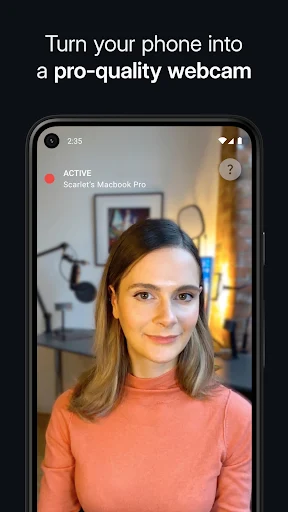
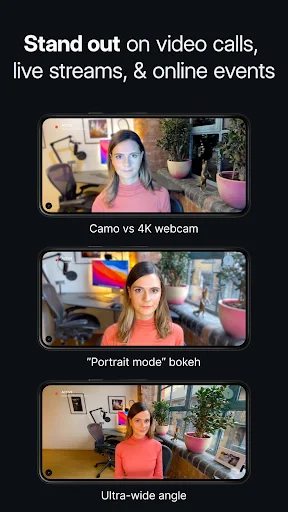
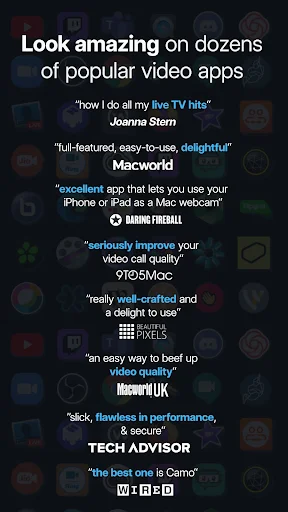
Camo Camera uses your phone’s camera as a webcam for video calls, live streams and other computer-based video. It suits people who want to use a phone camera instead of a built-in or separate webcam. The phone connects to a Mac or PC, and Camo Studio on the computer provides a preview and controls.
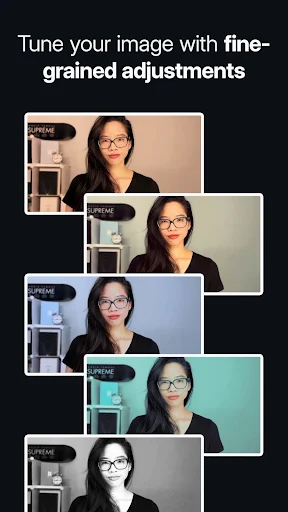
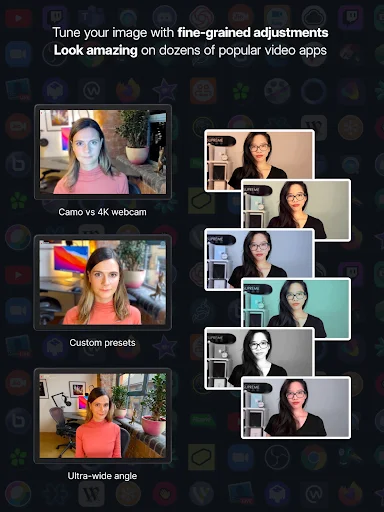
Camo offers controls for choosing a camera lens and adjusting the image, including zoom, rotation, focus, exposure and lighting. Portrait mode can blur the background; a privacy effect can diffuse it. You can connect by USB or Wi-Fi, according to the app’s description. These options are useful if you need to adjust framing or appearance for a call or stream.
This is not a standalone camera app for recording and sharing video entirely on your phone. Its webcam role depends on connecting to a computer running Camo Studio. Before relying on it for a meeting or broadcast, check that the computer setup and the video software you plan to use work with Camo. The phone-to-computer connection is the central part of the experience.
Reincubate is the developer. Camo Camera is listed in Tools and has more than 1,000,000 installs. Its rating is about 4.2 out of 5, based on 6,486 ratings. Those figures indicate substantial use and generally positive ratings, but they do not tell you whether the setup fits your particular phone and computer. The app is most relevant if you already have a computer-based video workflow and want to use your phone as its camera.