Advertisement
Click to download now, finish the installation quickly, and directly unlock the all-round experience
Advertisement
Screenshots
Click to download now, finish the installation quickly, and directly unlock the all-round experience
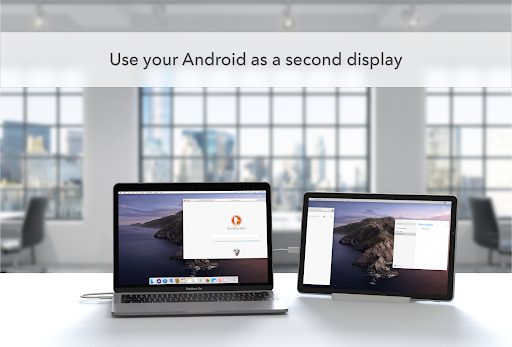
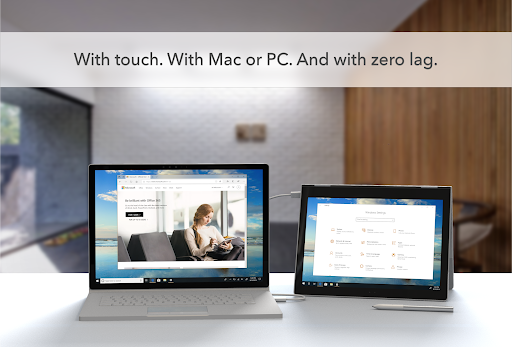
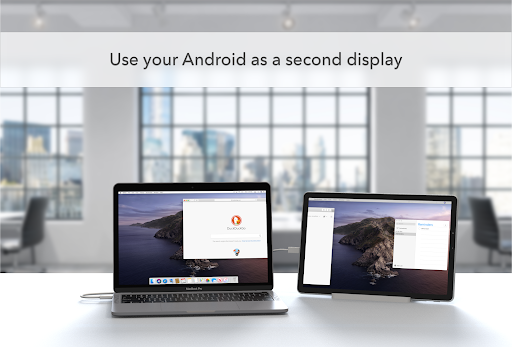
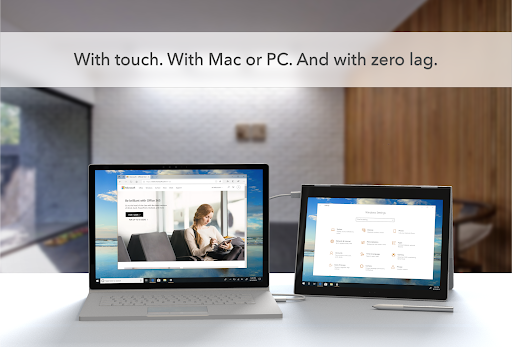
Duet Display turns an Android phone, tablet or Chromebook into an extra display for a Mac or Windows PC. It is aimed at people who want more room for documents, tools or other on-screen work, including when working away from a desk. The app works with a separate Duet desktop app on the computer; the computer detects the Android device so it can be connected as a display.
The Android screen can be used to interact with the computer, with support for gestures such as two-finger scrolling, panning and zooming. The supplied compatibility information lists Android 7.0 or later, macOS 10.14 (Mojave) or later, and Windows 10 or later. Check that both your Android device and computer meet those requirements before relying on the setup.
Duet Display says it uses Android’s Accessibility service as a foreground service to project content from a Mac or PC onto the Android device. That access is relevant to the app’s display function, but it is still worth considering whether you are comfortable granting it. The app also depends on the companion software for the computer, so it is not a standalone way to add a screen.
The developer is Duet, Inc., and the app is listed in Productivity. It has a 4.24 rating from 7,630 ratings and 500,000+ installs. Those figures describe its reach and user feedback, but do not establish whether it will work well with a particular device or workflow. The available information identifies the app, its purpose and a relevant permission; it does not settle every question a prospective user may have about performance or personal fit.