
Advertisement
Click to download now, finish the installation quickly, and directly unlock the all-round experience
Advertisement
Screenshots
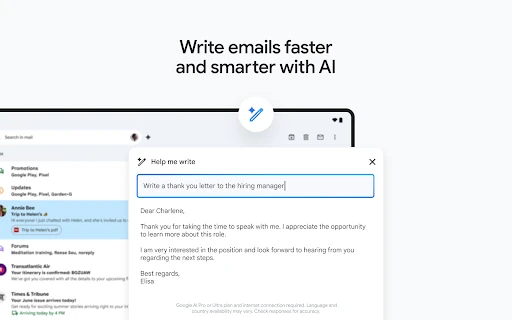

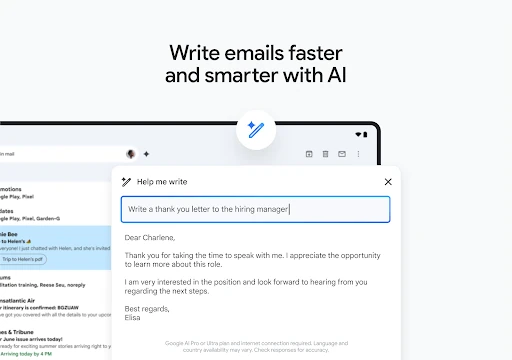
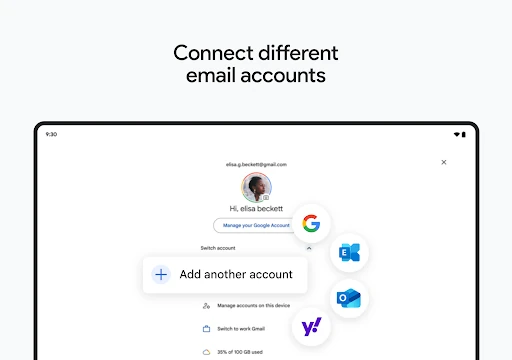
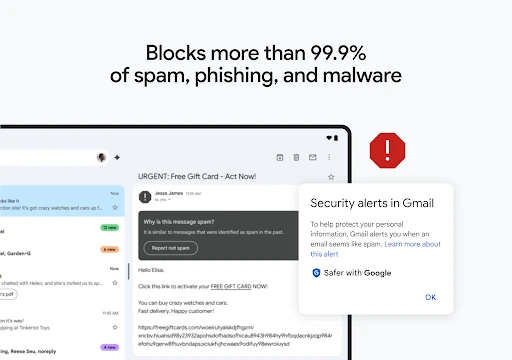
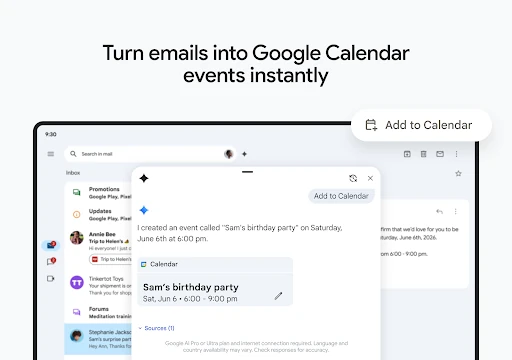

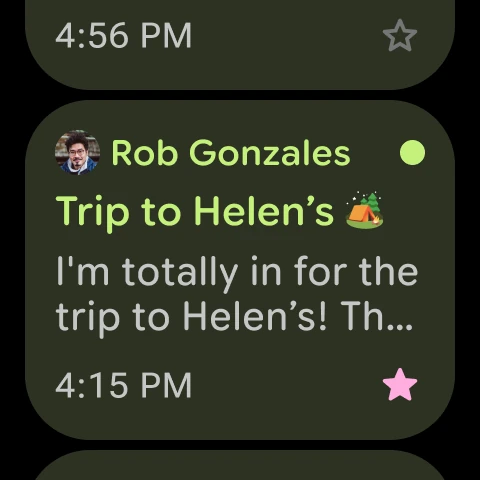


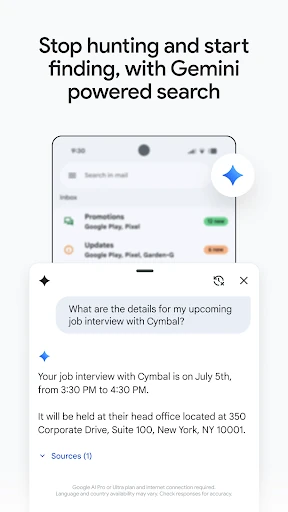
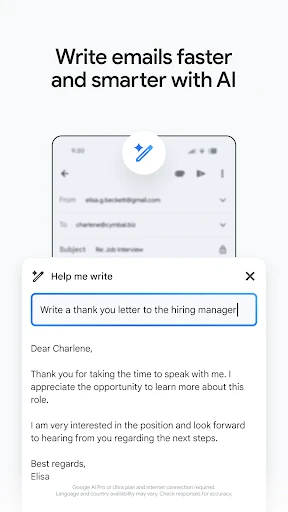
Click to download now, finish the installation quickly, and directly unlock the all-round experience
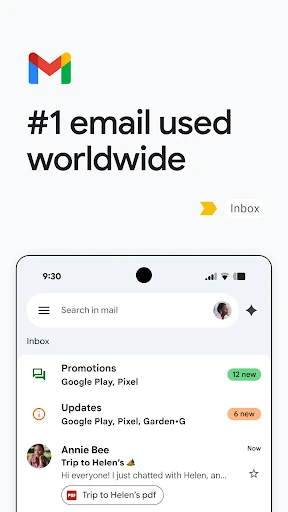
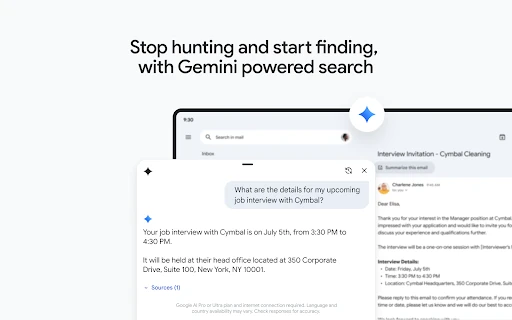
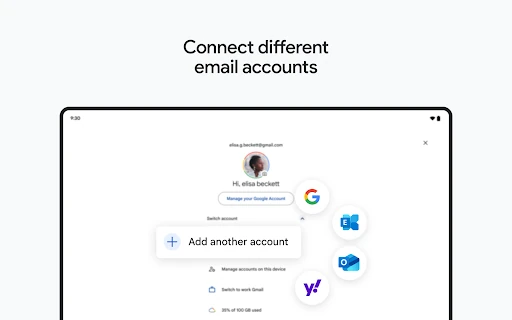
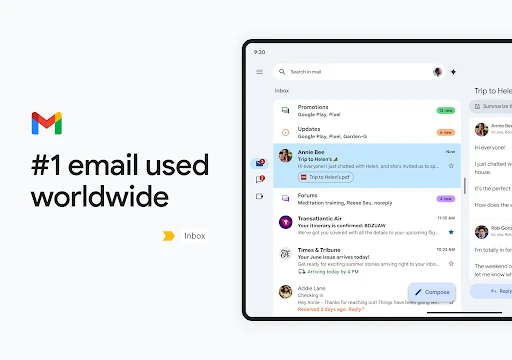
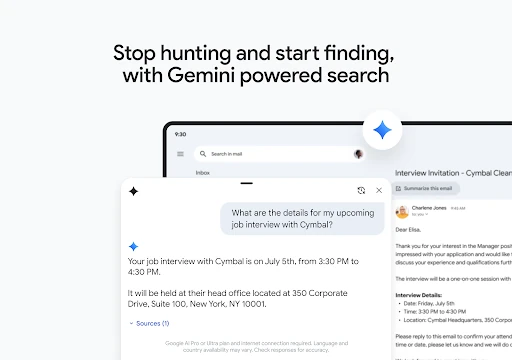
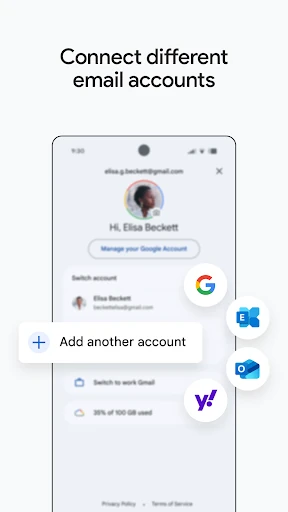
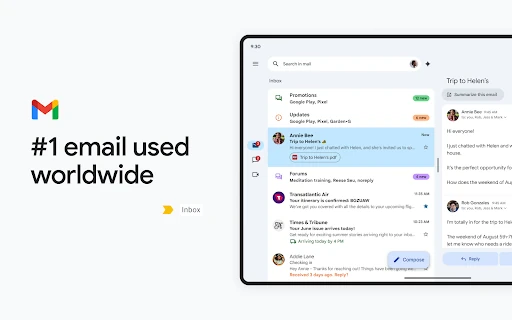
Gmail lets you read, send and organise email on Android. It suits people who use a Google account for everyday correspondence, as well as those who want to manage more than one email account in the same app. Conversations are grouped into threads, and search helps retrieve messages without scrolling through the inbox.
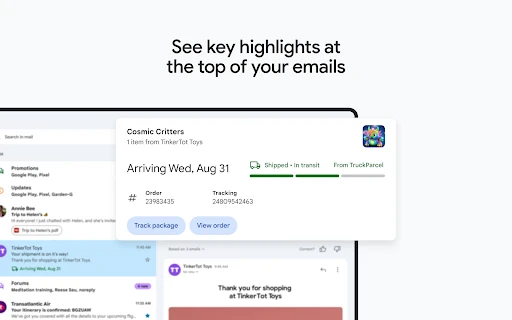
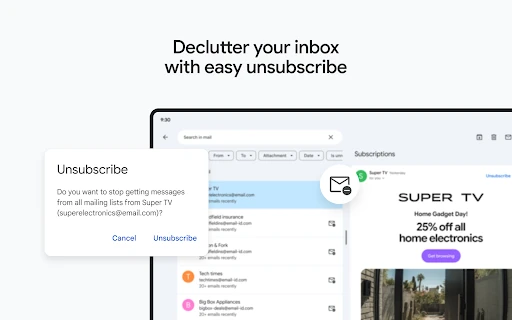
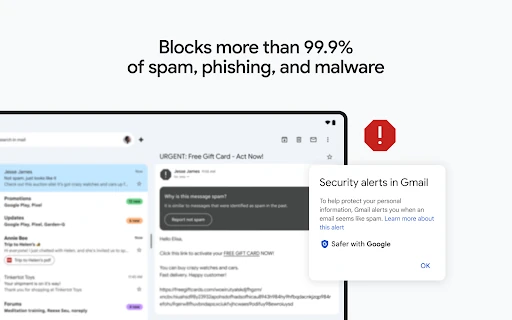
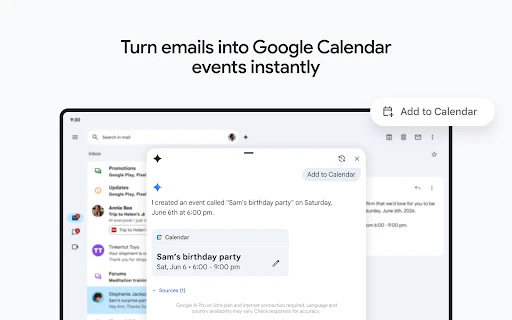
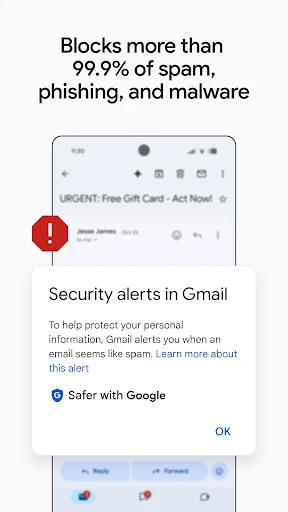
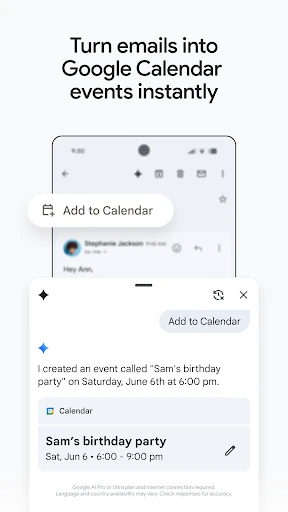
The app includes tools for sorting and handling incoming mail, including spam filtering and options to archive or delete messages. These can help reduce clutter, though they do not remove the need to check important messages and review what has been filtered. Gmail also connects email with Google services such as Calendar, Chat and Meet, which may be useful for people already using those tools.
The developer is Google LLC, and the package name is com.google.android.gm. That gives the listing a clear developer attribution and package identifier. Gmail is listed in Communication, with a reported rating of 4.11 from more than 14 million ratings and 10 billion-plus installs. Those figures show broad use and a large body of user feedback; they do not guarantee that every feature or experience will suit every person.
Gmail is most useful if you want a widely used email app and already rely on Google’s services. Its range of account and organisation tools can make it a capable daily inbox, but users who prefer a simpler mail-only interface may find the added connections unnecessary. As with any email service, consider which account you use and what information you choose to keep in it.